From a backed-up sink to a visit request
Example conversation. Your business number stays yours.
- Step 1
A call while you’re on a job
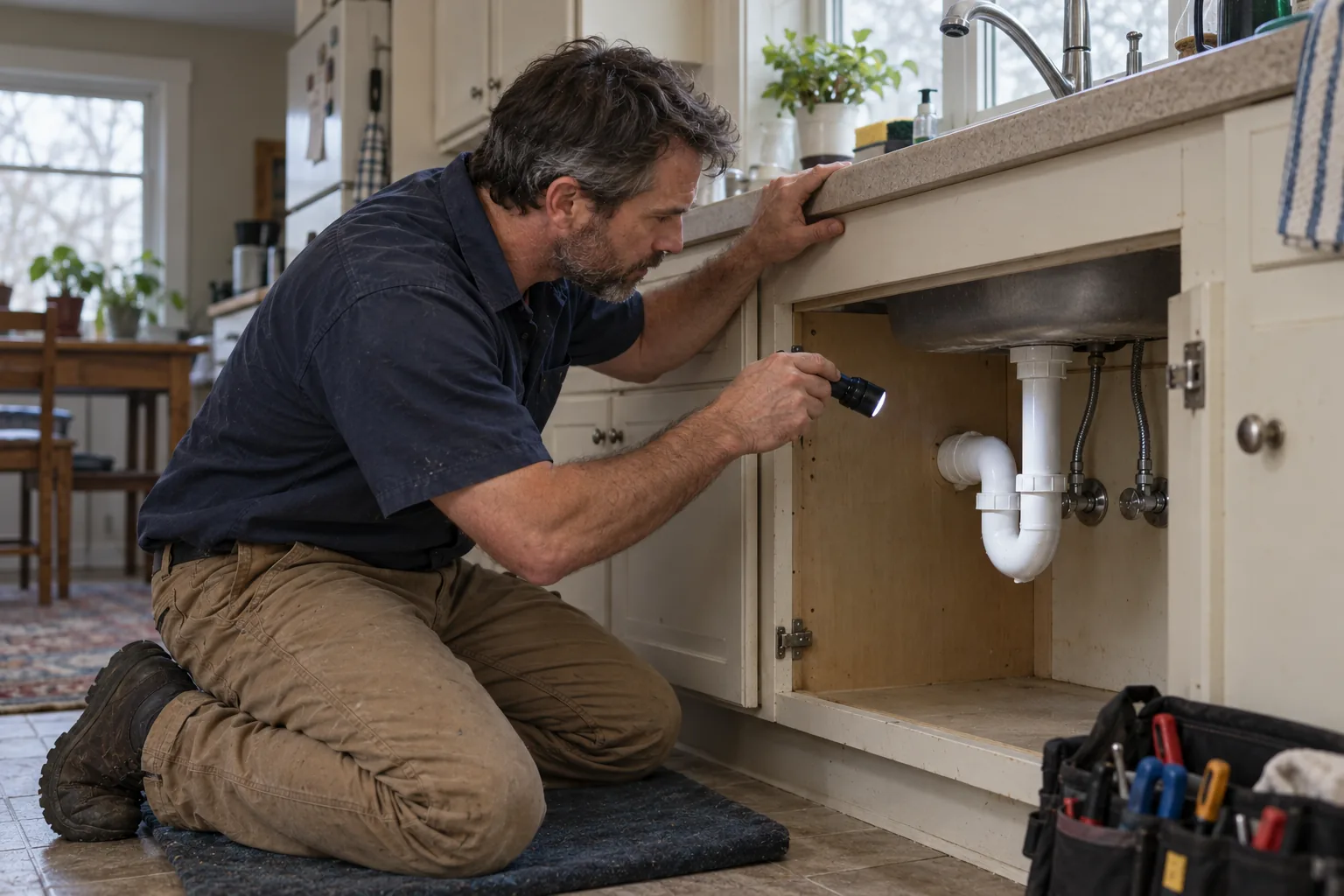
A homeowner calls about a kitchen sink backing up. You’re already working and can’t answer.
- Step 2
Handled collects what they need
A text-back opens the conversation so they can describe the issue and ask for a visit.
- Step 3
You get a clear request
The details land in your inbox so your team can arrange the next step.
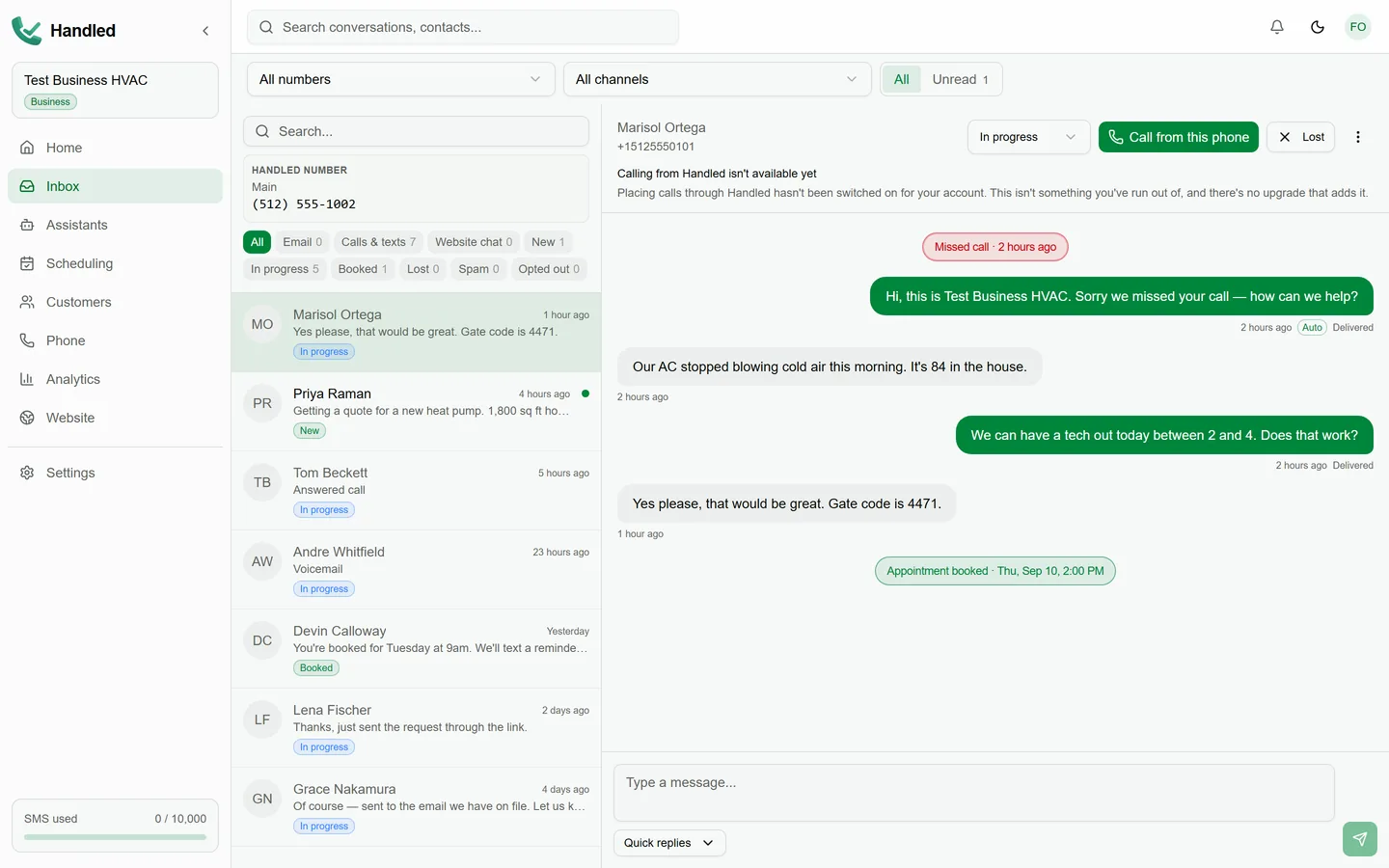
Example conversation
- Missed call from (555) 013-6092
- HandledSorry we missed your call. What can we help you with?
- CallerKitchen sink is backing up. Need someone out tomorrow afternoon.
- HandledThanks—the team will follow up to arrange a time.
Service request received
- Service: Kitchen sink backup
- Preferred: Tomorrow afternoon
- Source: Missed-call text-back
- Status: Awaiting follow-up
Built for a plumbing day
Examples tuned to service calls and follow-up.
Finish the job without losing the next one
Missed calls still get a follow-up so customers can explain the issue while you’re on site.
Useful details before you call back
What’s leaking or backing up and when they want help show up in the thread—not a bare voicemail.
Booking that follows your rules
Collect service requests or book available appointments when your settings allow.
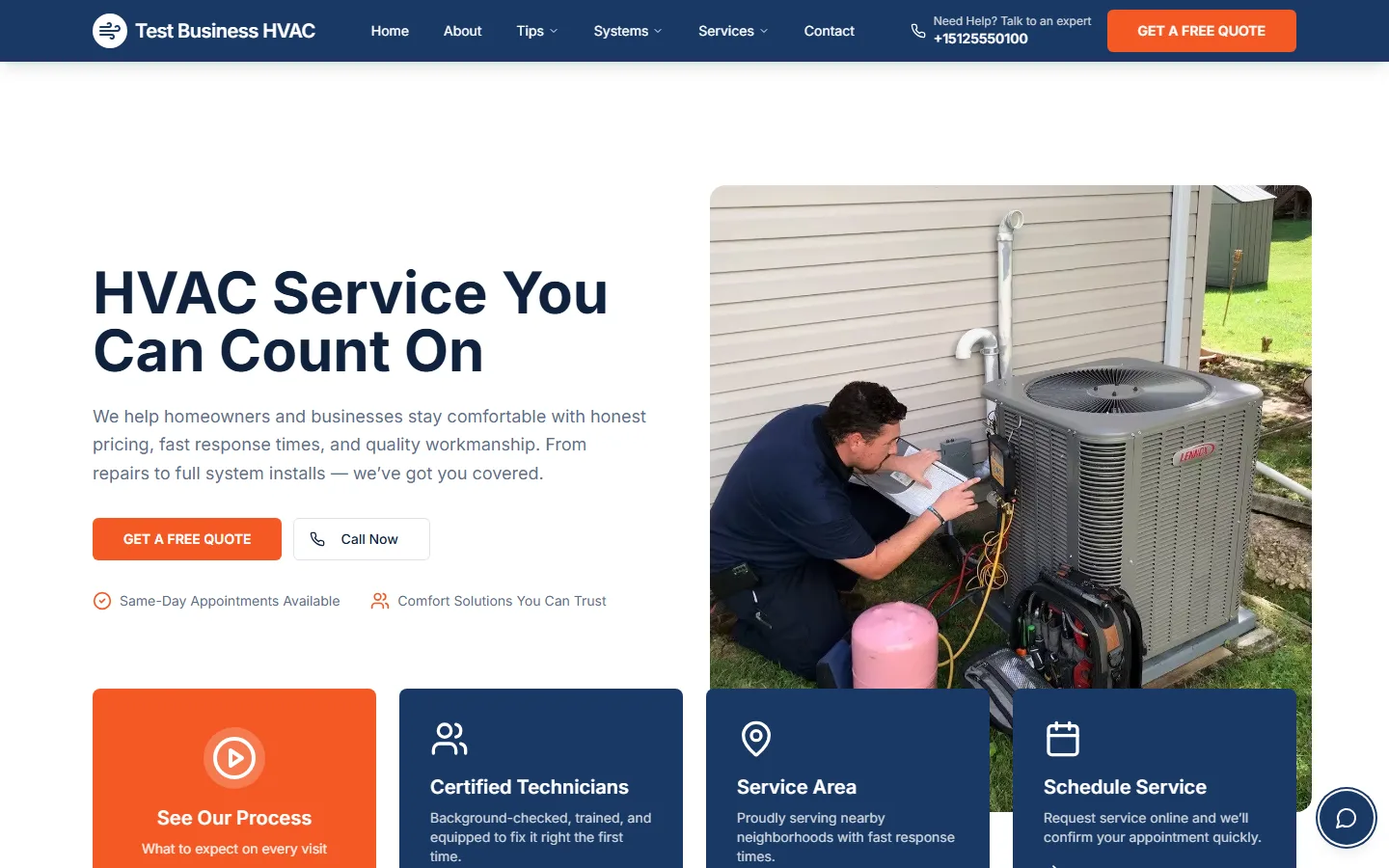
A plumbing site that sends you leads
Publish the services and hours you actually keep. The Website Assistant answers from what you publish and opens a lead in Handled.
- Forms and chat feed the same inbox as missed calls
- Nothing goes live until you publish
- Works for shops that also offer HVAC or electrical
Get set up, then try a test call
Three plain steps. Place a test call before you rely on it with customers.
- 1
Add your business details
Drains, fixtures, water heaters—and the hours customers can ask about.
- 2
Connect your business number
Keep the number customers already call. Forward the calls you miss to Handled.
- 3
Try a test call
See how Handled captures the conversation before customers rely on it.
Your customers, your business, your call.
Your number stays yours
Customers keep calling the number they already know. Unanswered calls can forward to Handled.
You publish when you’re ready
The site is prepared for review and goes live only when you say so.
You’re in control
You can delete your account whenever you need to.
Read the privacy policy, terms of service, SMS terms, messaging compliance overview, and account deletion.
Frequently asked questions
- Can I keep my business number?
- Yes. Customers keep calling the number they already know. Unanswered calls can forward to Handled.
- What happens when I miss a call?
- Handled texts the caller back and continues over SMS in your inbox. Plans with the Phone Receptionist can also answer the forwarded call.
- Can Handled answer questions about my services?
- Yes—from what you publish about drains, fixtures, water heaters, hours, and related details.
- How do booking requests and appointments work?
- Handled can collect service requests or book available appointments when your settings allow. A preferred window is not the same as a confirmed appointment.
- Can I use it for multiple trades?
- Yes. This page uses plumbing examples. You can still offer HVAC, electrical, or other services you provide.
- How do I get started?
- Choose Get started to create an account, or book a demo for a walkthrough. Eligible businesses may receive an invitation-based trial lasting thirty days; that trial starts only when activated in Handled.